Hi Dan,
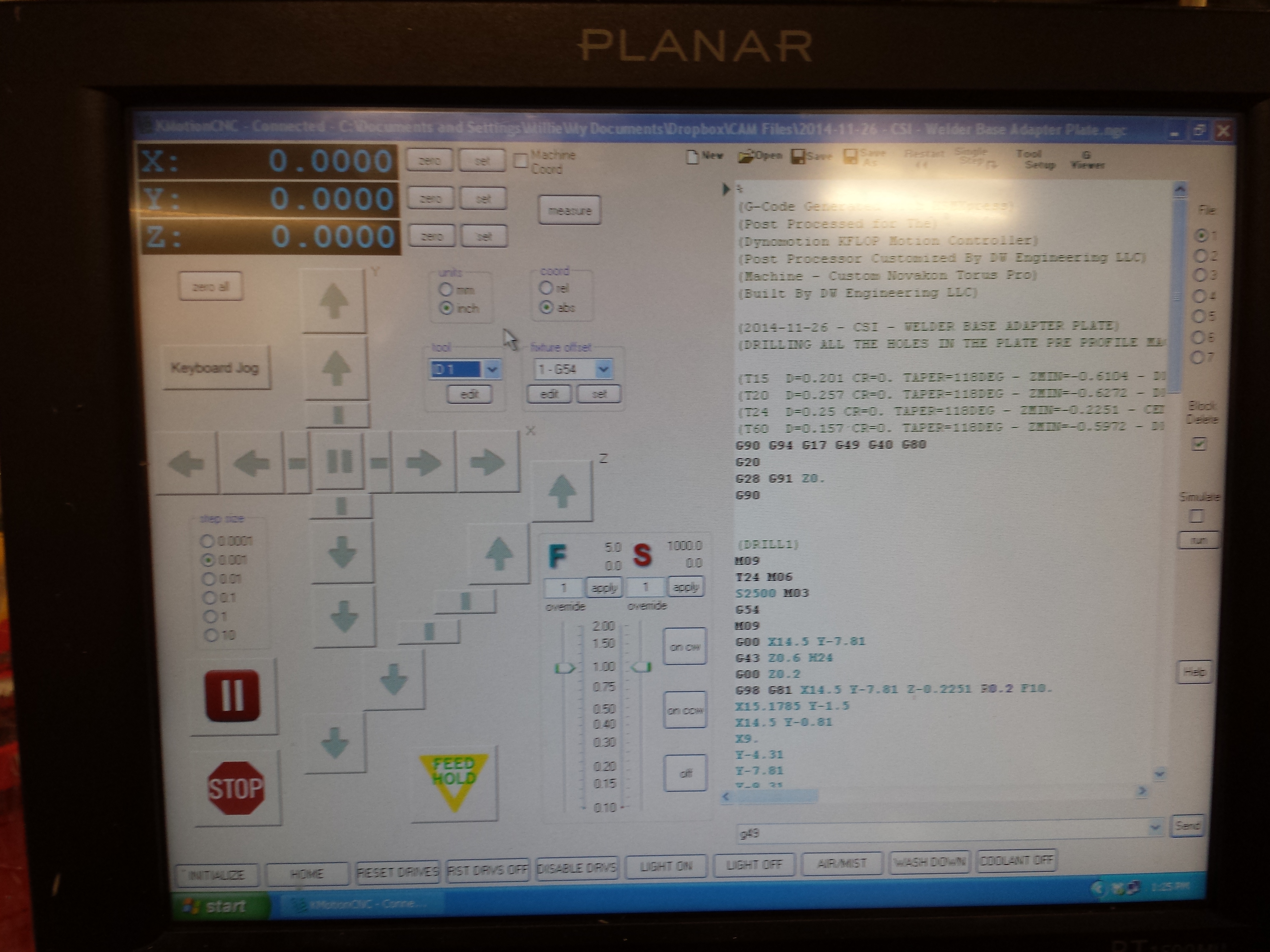
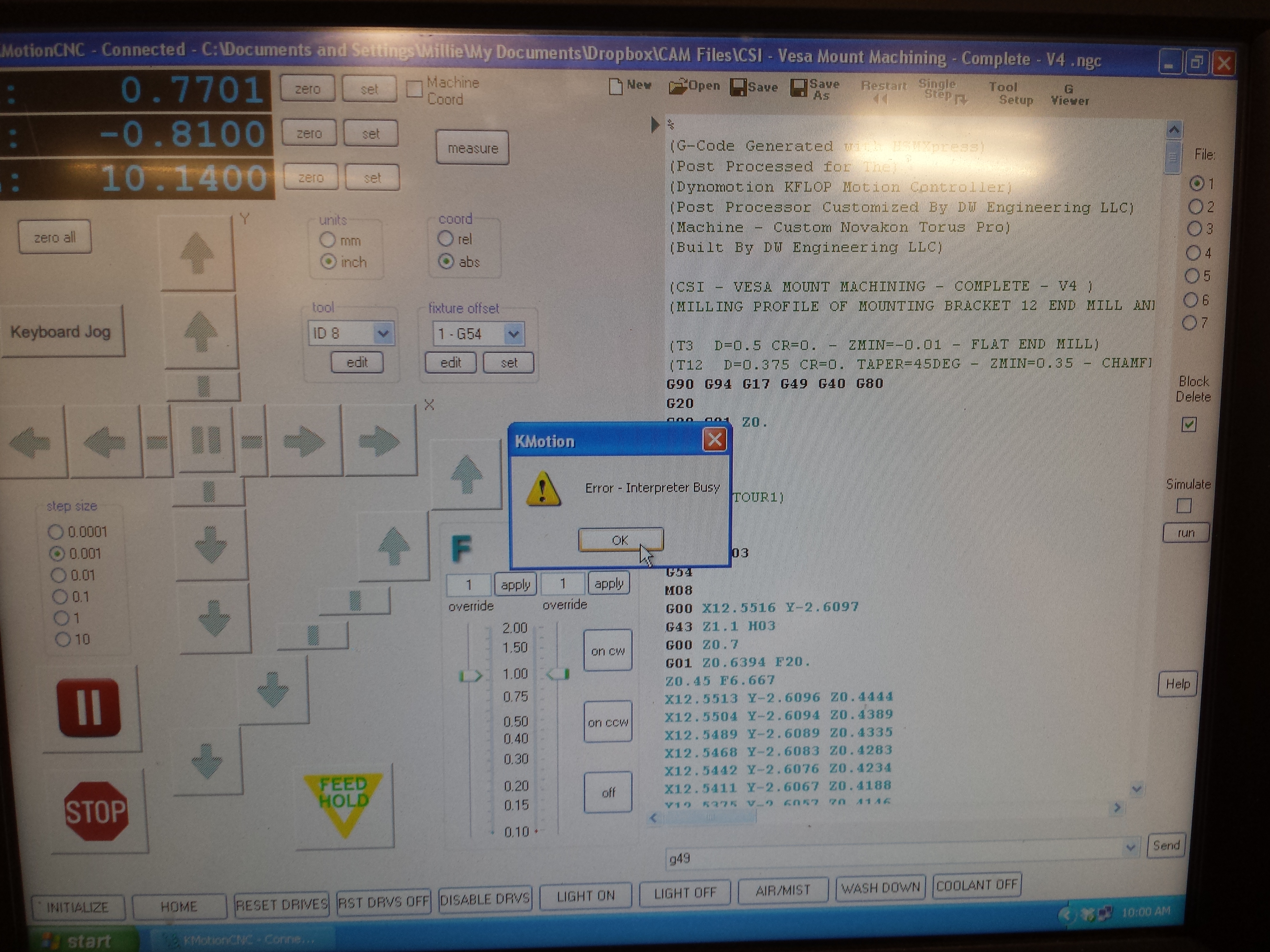
It may be. Some Users requested any
changes to the Tool Table to be applied immediately so we invoke a TnnnM6 to
have it take effect in the Interpreter. That way the Tool ID, Slot, length
Offsets, Tool Image, DROs, etc... all reflect the current values without having
to do a manual MDI M6. But I believe this behavior existed for some
time. I see that causes problems in your case. We are open for
ideas. I suppose this could be yet another option. There also was an
issue where an embedded "Wait" with no motion was not always handled
correctly. This may be why it wasn't an issue earlier.
I suppose we could check if anything with the selected Tool Changed
and if so only then perform the M6.
The "Wait Bit" command probably
isn't the best way to pause for a tool change. That was intended to be
used for pauses in embedded motion with real time response. You might just
use a C Program that waits for an input. That way you could test to see if
the same Tool was selected and only wait in that case. Possibly display a
message of what tool to load and whether to wait or not? If that would
make sense in your application.
Regards
TK
| Group: DynoMotion |
Message: 10678 |
From: Tom Kerekes |
Date: 12/16/2014 |
| Subject: Re: KMotion/KFlop Test Version 4.33j Available |
Hi Dan,
We are working on handling that better. Possibly with a new option.
Yes that example should pop up an Message Box Prompting the Operator to load the Tool.
Let us know if you run into any issues with it.
Regards TK | |